Blog

How the Facebook Pixel can enhance your Digital Marketing strategy
Digital marketing is an ever-evolving universe, and among the tools that can improve the effectiveness of digital campaigns, the Facebook Pixel (or even better, the "Meta Pixel") emerges as one of the most powerful and versatile. If you are not yet familiar with it or would like to learn more about its use, this article will guide you through its features and show you how it can transform your marketing strategy.
WHAT IS THE FACEBOOK PIXEL?
The Facebook Pixel is a snippet of JavaScript code that you can insert into your website. Its main purpose is to track users' activities, allowing you to gather valuable data about their interactions with your site. This tool offers a number of advanced features that help you measure the effectiveness of your advertising campaigns, optimize ads, and create highly targeted audience segments.
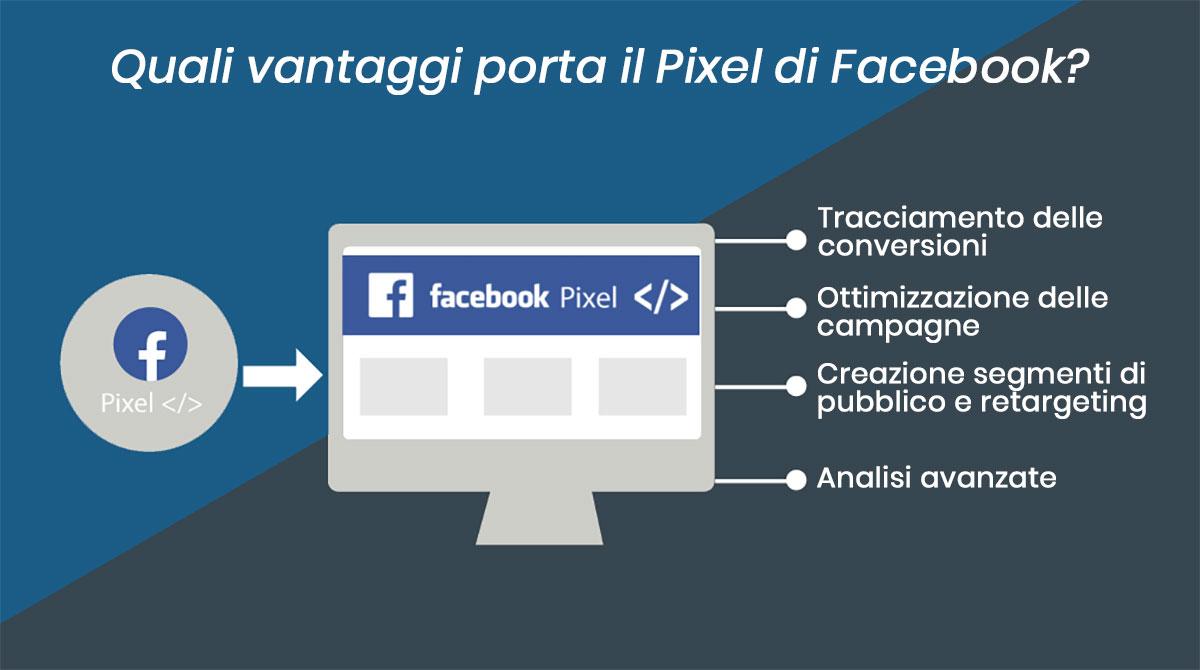
WHAT BENEFITS DOES THE FACEBOOK PIXEL PROVIDE?
CONVERSION TRACKING
The Pixel allows you to track the actions users take on your site after clicking on an ad. Whether it's purchases, registrations, or downloads, you can see exactly what happens through conversion tracking. This is essential for understanding what type of content or offer works best.
CAMPAIGN OPTIMIZATION
Using the data collected by the Pixel, Facebook can automatically optimize your ad campaigns for the best possible results. For example, if the Pixel detects that users who view a particular page are more likely to convert, Facebook will redistribute the budget toward those users.
CREATING CUSTOM AUDIENCE SEGMENTS AND RETARGETING
With the Pixel, you can create specific audience segments based on user behavior on your site. For example, you can create an audience of people who have visited a specific page, abandoned a shopping cart, or completed a purchase. This allows you to send more relevant and personalized messages.
ADVANCED ANALYTICS
Pixel offers rich analytics on the performance of your campaigns. You can see which ads bring in the most conversions, which pages on your site are most visited, and which audience segments are most responsive. This data is vital for constantly refining your marketing strategy.
HOW TO INSTALL THE FACEBOOK PIXEL
Installing the Facebook Pixel is a relatively easy process. Below you can find 4 simple steps to follow:
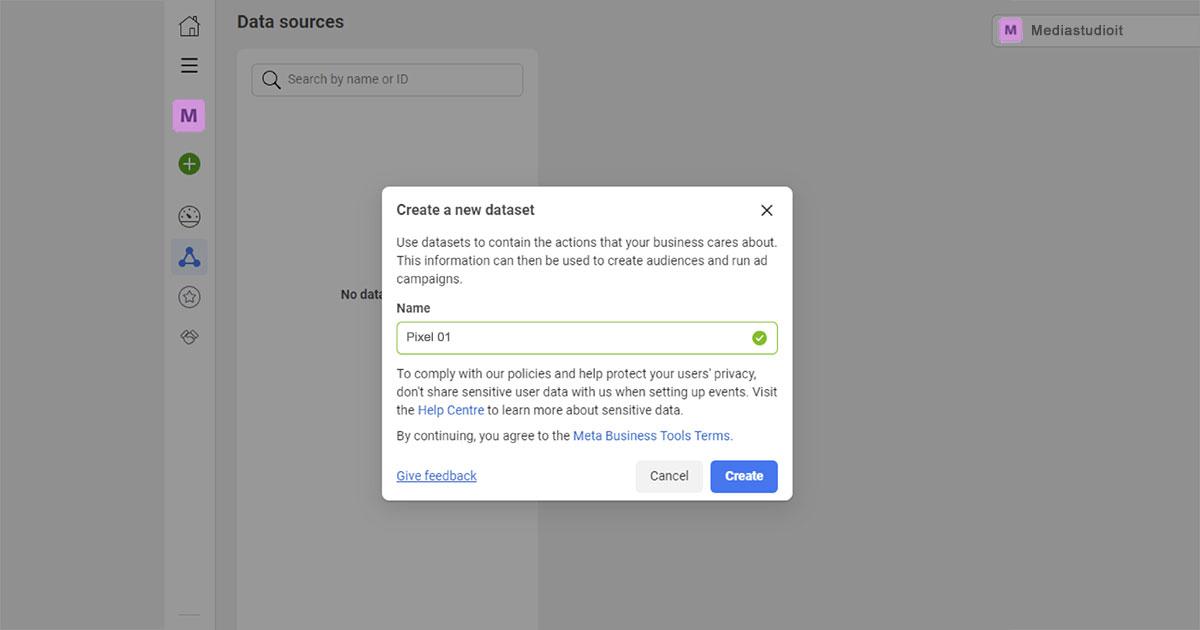
- Create the Pixel: log into your Meta Event Manager account and link a new "data source." Create your Pixel and assign it a name.
- Embed the code: once created, Facebook will provide a code for you to embed on your website. You can add it manually in the HTML code of all pages on your site between the <head> tag and the </head> tag, or use special plugins.
- Verify installation: after inserting the code, make sure everything is working properly.
- Set up events: configure standard events (such as purchases, leads, cart additions) or custom events to track specific actions.
CONCLUSIONS
The Facebook Pixel is an indispensable tool for anyone who wants to optimize their advertising campaigns and improve user conversions. With its power of tracking, optimization and advanced analytics, the Pixel can transform the way you interact with your audience, making campaigns more effective.
Hashtag: #pixel #facebookpixel #metapixel #facebook #meta #digitalmarketing #webmarketing #digitalstrategy
Marketing